Safety technology for seniors can make it easier to call for help, share essential information, detect certain risks, and keep trusted people informed. This guide explains how alert, monitoring, location, and emergency communication tools fit together without treating technology as a substitute for a real safety plan.
Plain-language guidance
Safety-first decisions
Independent editorial process
Technology should strengthen a response plan
An alert is useful only when the right person can receive it and act
Senior safety technology covers more than a wearable help button. It can include medical alert systems, fall-detection features, emergency medical IDs, GPS location tools, home sensors, smartwatches, remote monitoring, backup communication, and preparedness tools. Each solves a different part of the problem: recognizing that something may be wrong, sending useful information, reaching help, or supporting follow-up.
No device can guarantee that an emergency will be detected or resolved. Automatic fall detection may miss an event or trigger a false alarm. GPS depends on signal and power. Home monitoring can create privacy concerns. A medical ID is helpful only when its information is current and accessible. The safest approach combines appropriate technology with contacts, instructions, backup methods, testing, and clear responsibilities.
The CDC identifies falls as a leading threat to older-adult independence and emphasizes that falls can be prevented. Technology may support prevention or response, but health evaluation, medication review, strength and balance work, environmental improvements, and a practiced emergency plan remain important.
Start with the emergency scenario
Ask what could happen, how the person would signal for help, who should respond, what information responders need, and what backup exists if the device, internet, cellular service, or power is unavailable.
Resource center
Eight parts of a senior safety and alert system
These areas match the planned Safety & Alert hubs. Each future guide will cover one topic in depth while this page remains the broad planning layer.
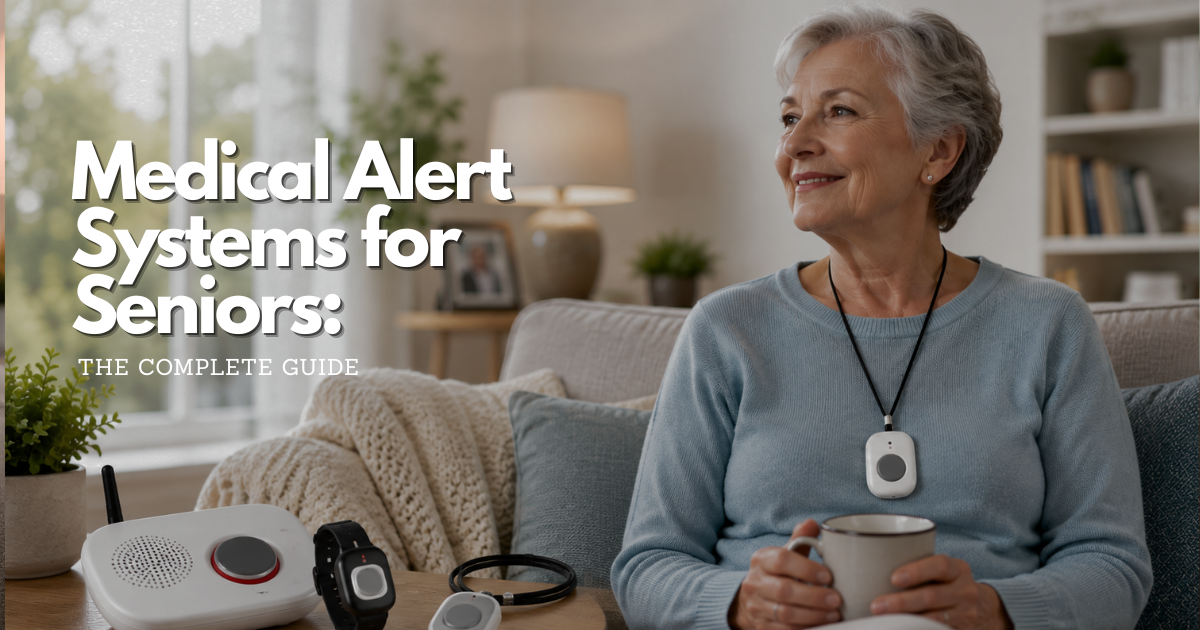
Medical Alert Systems
Wearable or home-based systems can connect a user with a monitoring center or chosen contacts. Compare coverage area, activation methods, response workflow, fees, battery backup, and cancellation terms.
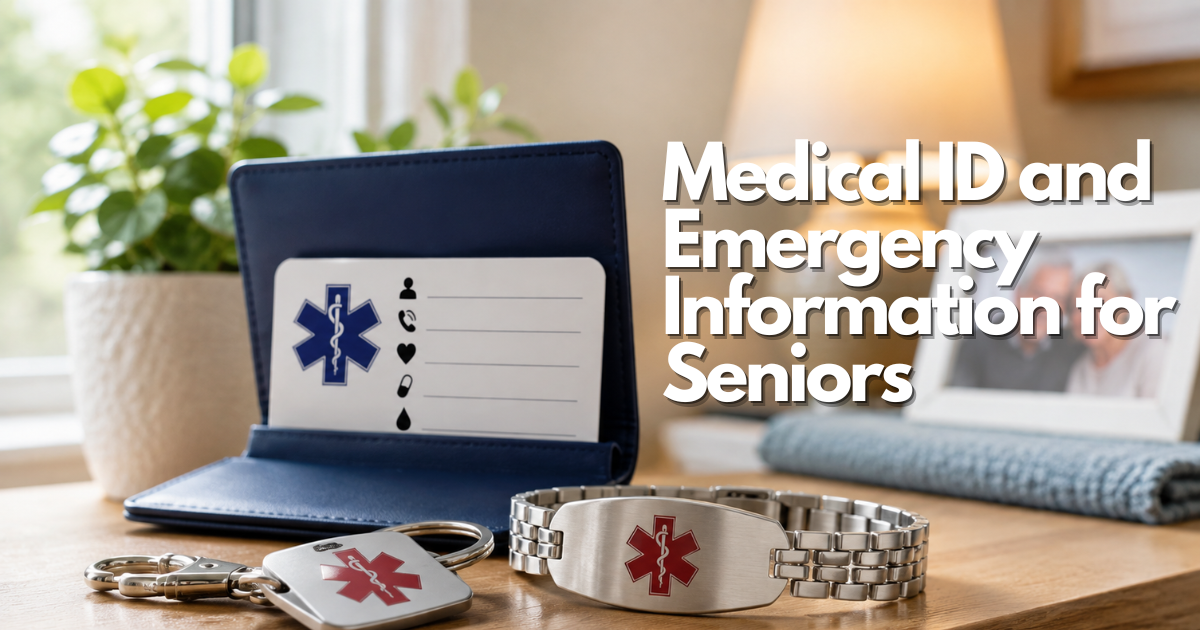
Medical ID & Emergency Information
Bracelets, wallet cards, phone features, and digital records can make allergies, medications, conditions, and contacts easier to find. Information must be accurate, concise, and reviewed regularly.
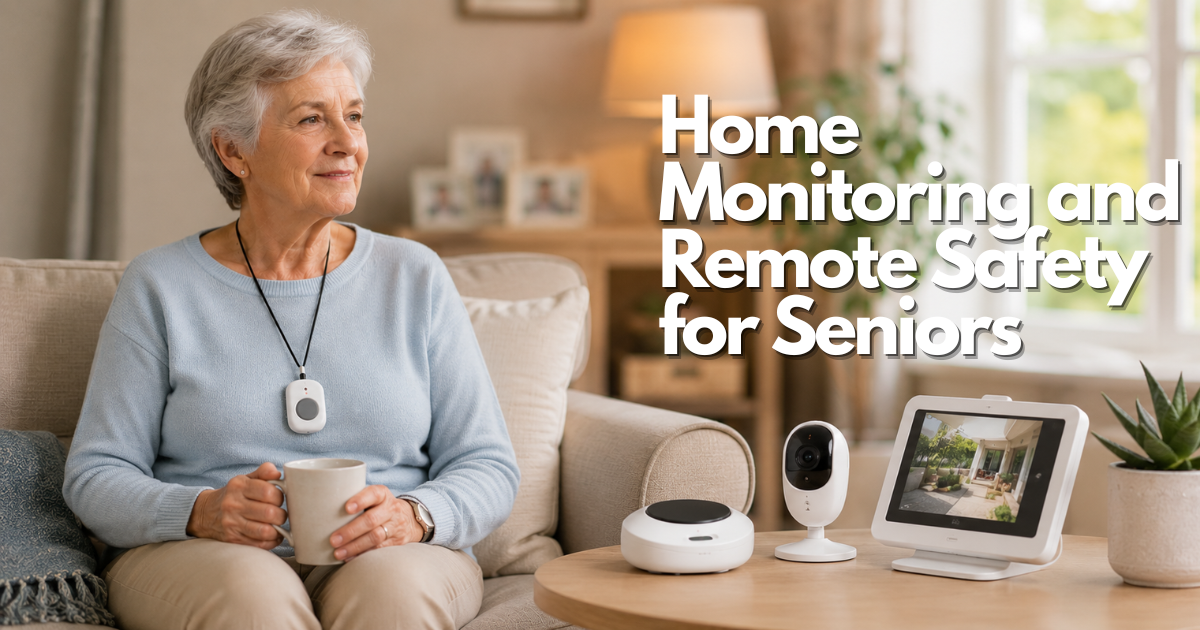
Home Monitoring & Remote Safety
Sensors and connected devices may report movement, doors, routines, temperature, or other conditions. Consent, privacy, alert fatigue, internet reliability, and who reviews the data all matter.
Fall Detection
Wearables, phones, watches, and ambient sensors may attempt to recognize falls. Detection is not perfect, so users need a manual way to call for help and a plan for false or missed alerts.
Safety Smartwatches & Wearables
Wearables can combine calling, location, reminders, health features, and emergency functions. Screen readability, charging, comfort, cellular requirements, and the ability to operate controls are key.
Coming soon: focused guide not published yet.

GPS Tracking & Wandering Prevention
Location tools may support a person at risk of becoming lost. They should be used with consent when possible, realistic coverage expectations, geofences, current contacts, and an agreed response.
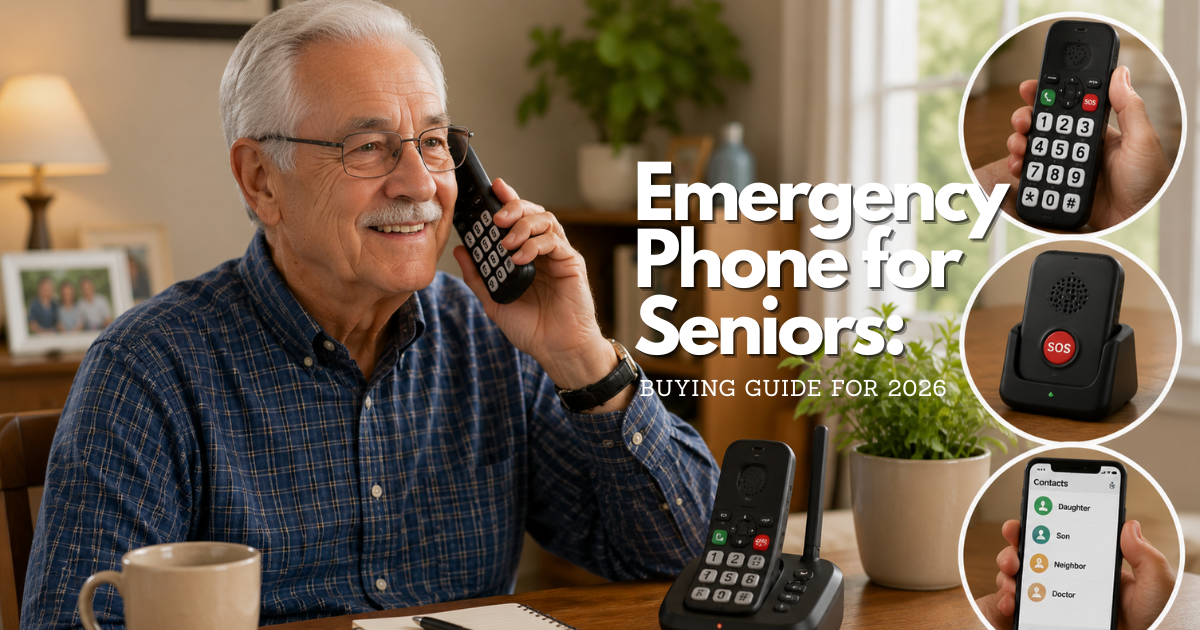
Emergency Communication
Phones, text, voice assistants, radios, and backup contacts provide different ways to communicate. Important numbers, hearing and speech access, signal, power, and practice should be considered.
Emergency Preparedness
A complete plan covers medications, mobility and communication needs, evacuation, shelter, backup power, supplies, transportation, pets, and people who can assist.
Coming soon: focused guide not published yet.
A practical framework
Build safety in layers instead of relying on one product
A resilient system has prevention, detection, communication, and response components. The mix should reflect the person’s health, abilities, home, routines, preferences, and support network.
Prevent and prepare
Address known fall hazards, medication concerns, lighting, access, fire and weather risks, wandering risk, and emergency supplies before choosing alerts.
Detect and communicate
Choose manual and automatic methods the person can use. Confirm coverage, charging, accessibility, emergency information, and what happens after an alert.
Respond and review
Name primary and backup contacts, decide when to call 911, document access instructions, practice the plan, and review alerts or changes over time.
Questions to answer before selecting safety technology
A product comparison is easier after the response plan is defined. Involve the older adult in decisions about monitoring, location sharing, cameras, contacts, and notifications. Safety should not erase privacy or independence by default.
Test the complete chain rather than only the button. Confirm that an alert reaches the intended person, that two-way audio can be heard, that location is understandable, that responders can enter the home if appropriate, and that backups work.
- Coverage: Will it work at home, outdoors, in the community, and during travel?
- Connectivity: Does it need a landline, Wi-Fi, Bluetooth, or a specific cellular network?
- Power: How long does the battery last, who charges it, and what happens during an outage?
- Accessibility: Can the user see, hear, wear, press, speak to, and understand the device?
- Response: Who receives each alert, in what order, and what information will they have?
- Privacy: What information is collected, stored, shared, and visible to family or providers?
Common questions
Match the system to daily life
Choose support around people, places, and response
The most suitable safety plan depends on where a person spends time, who is available to help, and what should happen after an alert. A device that works well inside one home may not cover errands, travel, a large property, or an unreliable cellular area. Begin with the likely situation and work backward from the response that would actually be useful.
At home alone
Consider how an alert can be activated from the bedroom, bathroom, stairs, yard, and every regularly used area. Check whether two-way communication is possible without reaching a phone and whether power or internet interruptions change the response.
Away from home
For walks, appointments, shopping, or travel, look at cellular coverage, location sharing, battery endurance, water resistance, and how easily the wearer can speak with a responder. Confirm what happens when the device leaves its normal service area.
With memory or orientation concerns
Tools should be paired with a respectful plan for consent, boundaries, safe locations, and the people authorized to receive information. Location technology may support a plan, but it does not replace supervision or professional guidance when risk is high.
With family or paid support
Decide who receives routine notifications, who responds to urgent alerts, and who maintains the equipment. Too many notifications can cause important warnings to be ignored, so each alert should have a clear purpose and owner.
Reliability before features
Test the complete response chain
A polished app or a long feature list does not guarantee a dependable safety system. Reliability includes the person noticing or triggering an event, the signal reaching the service or contact, the responder understanding the situation, and help arriving when appropriate. Every link in that chain should be tested under realistic conditions.
- Confirm coverage. Test the device in bathrooms, bedrooms, entrances, outdoor areas, and common destinations.
- Practice activation. The user should be able to press, speak, charge, wear, and reset the device without avoidable difficulty.
- Verify the response. Contacts need current phone numbers, access instructions, medical information, and a clear escalation order.
- Plan for interruptions. Understand battery backup, charging reminders, cellular limitations, internet dependence, and outage procedures.
- Review privacy. Limit location, camera, audio, and health information to what is necessary and agreed upon.
- Repeat the test. Recheck the system after updates, travel, a move, a change in health, or a change in the response team.
Important: Automatic detection can miss events or create false alarms. It should be treated as an additional layer, not a guarantee or a substitute for emergency services.
Safety technology for seniors FAQ
Is a medical alert system the same as fall detection?
No. A medical alert system provides a way to request help and may include professional monitoring. Fall detection is a feature that attempts to recognize a fall automatically; it may be part of an alert system, phone, watch, or sensor.
Can a smartwatch replace a medical alert system?
Sometimes a smartwatch may meet a person’s needs, but the answer depends on usability, charging, cellular service, monitoring, emergency calling, location, fall detection, and the response plan.
Should families use cameras for remote monitoring?
Cameras may help in limited situations but raise privacy, consent, security, and alert-management concerns. Less intrusive sensors or scheduled check-ins may sometimes meet the same goal.
What happens if an automatic alert is wrong?
False alarms are possible. The user and responders should know how to cancel or verify an alert without discouraging future use. A pattern of false alerts may require adjustment or a different tool.
How often should safety devices be tested?
Follow the manufacturer and monitoring service instructions. Also test after setup, software or network changes, travel, a power outage, or any change in the user’s abilities or contacts.
Published Safety & Alert Guides
These safety, alert, GPS, emergency communication, and medical-ID guides are currently published and ready to open. Draft-only topics are intentionally excluded until their pages are live.
- Medical Alert Systems for Seniors: The Complete Guide
- How Do Medical Alert Systems Work?
- Personal Medical Alert System: A Practical Guide
- Personal Emergency Response Device: A Practical Guide
- Medical Alert Device for Seniors: A Practical Guide
- Medical Alert Device with Fall Detection: A Practical Guide
- Life Alert Bracelet with Fall Detection: A Practical Guide
- Iris Ally Medical Alert Device: A Practical Guide
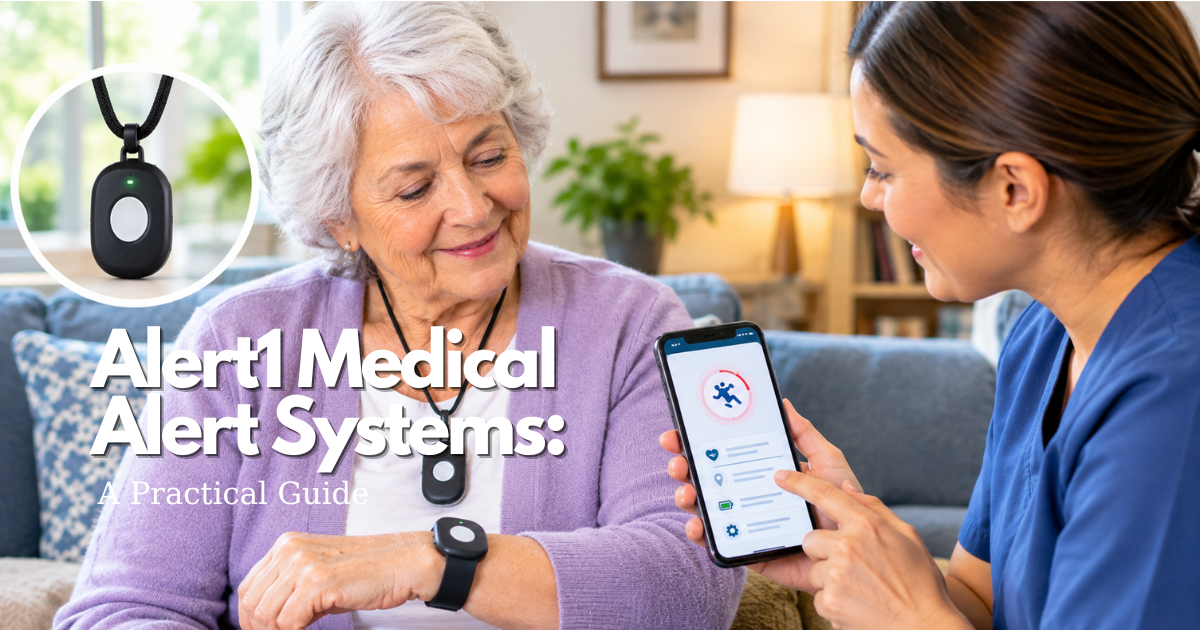
- Alert1 Medical Alert Systems: A Practical Guide
- Top Rated Medical Alert System: Buying Guide for 2026
- Waterproof Medical Alert Systems: A Practical Guide
- Best Emergency Call Button for Elderly: Buying Guide for 2026
- Emergency Call Button for Seniors No Monthly Fee: A Practical Guide
- What Does the Emergency Call Button Do?
- Emergency Phone for Seniors: A Practical Guide
- GPS Tracker Bracelet for Elderly: A Practical Guide
- Keychain GPS Tracker for Elderly: A Practical Guide
- GPS Tracker App for Elderly: A Practical Guide
- GPS Tracker Band for an older adult: A Practical Guide
- GPS Tracker for Dementia Patients Us: A Practical Guide
- GPS Tracker for Elderly Dementia: A Practical Guide
- GPS Tracker for Elderly Drivers: A Practical Guide
- Real Time GPS Tracker for Elderly: A Practical Guide
- Senior Location Tracker: A Practical Guide
- Anti Wandering Door Alarm: A Practical Guide
- Medical ID and Emergency Information for Seniors
- Medical Id Bracelet Tags: A Practical Guide
- Medical Id Alert Bracelet: A Practical Guide
- Medical Alert Bracelet: A Practical Guide
- Medical Id Bracelet with Qr Code: A Practical Guide
- Qr Code Medical Id: A Practical Guide
- Waterproof Medical Id Bracelet: A Practical Guide
- Free Medical Id Bracelet: A Practical Guide
- Medical Id Bracelet Sterling Silver: A Practical Guide
- Does United Healthcare Cover Medical Alert Systems?
- United Healthcare Coverage for Medical Alert Systems: What You Need to Know
Trusted starting resources
Published Safety & Alert Guides
These safety, alert, GPS, emergency communication, and medical-ID guides are currently published and ready to open. Draft-only topics are intentionally excluded until their pages are live.
- Medical Alert Systems for Seniors: The Complete Guide
- How Do Medical Alert Systems Work?
- Personal Medical Alert System: A Practical Guide
- Personal Emergency Response Device: A Practical Guide
- Medical Alert Device for Seniors: A Practical Guide
- Medical Alert Device with Fall Detection: A Practical Guide
- Life Alert Bracelet with Fall Detection: A Practical Guide
- Iris Ally Medical Alert Device: A Practical Guide
- Alert1 Medical Alert Systems: A Practical Guide
- Top Rated Medical Alert System: Buying Guide for 2026
- Waterproof Medical Alert Systems: A Practical Guide
- Best Emergency Call Button for Elderly: Buying Guide for 2026
- Emergency Call Button for Seniors No Monthly Fee: A Practical Guide
- What Does the Emergency Call Button Do?
- Emergency Phone for Seniors: A Practical Guide
- GPS Tracker Bracelet for Elderly: A Practical Guide
- Keychain GPS Tracker for Elderly: A Practical Guide
- GPS Tracker App for Elderly: A Practical Guide
- GPS Tracker Band for an older adult: A Practical Guide
- GPS Tracker for Dementia Patients Us: A Practical Guide
- GPS Tracker for Elderly Dementia: A Practical Guide
- GPS Tracker for Elderly Drivers: A Practical Guide
- Real Time GPS Tracker for Elderly: A Practical Guide
- Senior Location Tracker: A Practical Guide
- Anti Wandering Door Alarm: A Practical Guide
- Medical ID and Emergency Information for Seniors
- Medical Id Bracelet Tags: A Practical Guide
- Medical Id Alert Bracelet: A Practical Guide
- Medical Alert Bracelet: A Practical Guide
- Medical Id Bracelet with Qr Code: A Practical Guide
- Qr Code Medical Id: A Practical Guide
- Waterproof Medical Id Bracelet: A Practical Guide
- Free Medical Id Bracelet: A Practical Guide
- Medical Id Bracelet Sterling Silver: A Practical Guide
- Does United Healthcare Cover Medical Alert Systems?
- United Healthcare Coverage for Medical Alert Systems: What You Need to Know
- CDC: Older Adult Fall Prevention
- CDC: Stay Connected During an Emergency
- CDC: Emergency Preparedness and Disability Inclusion
Editorial note: SeniorTechLife provides educational information. It does not replace professional medical, safety, legal, financial, or emergency advice. Product recommendations and affiliate relationships, when introduced, will be disclosed transparently.
Create a system people can understand and use
SeniorTechLife will connect this landing page to focused guides on medical alerts, fall detection, monitoring, medical IDs, GPS, wearables, communication, and preparedness as each resource completes editorial review.